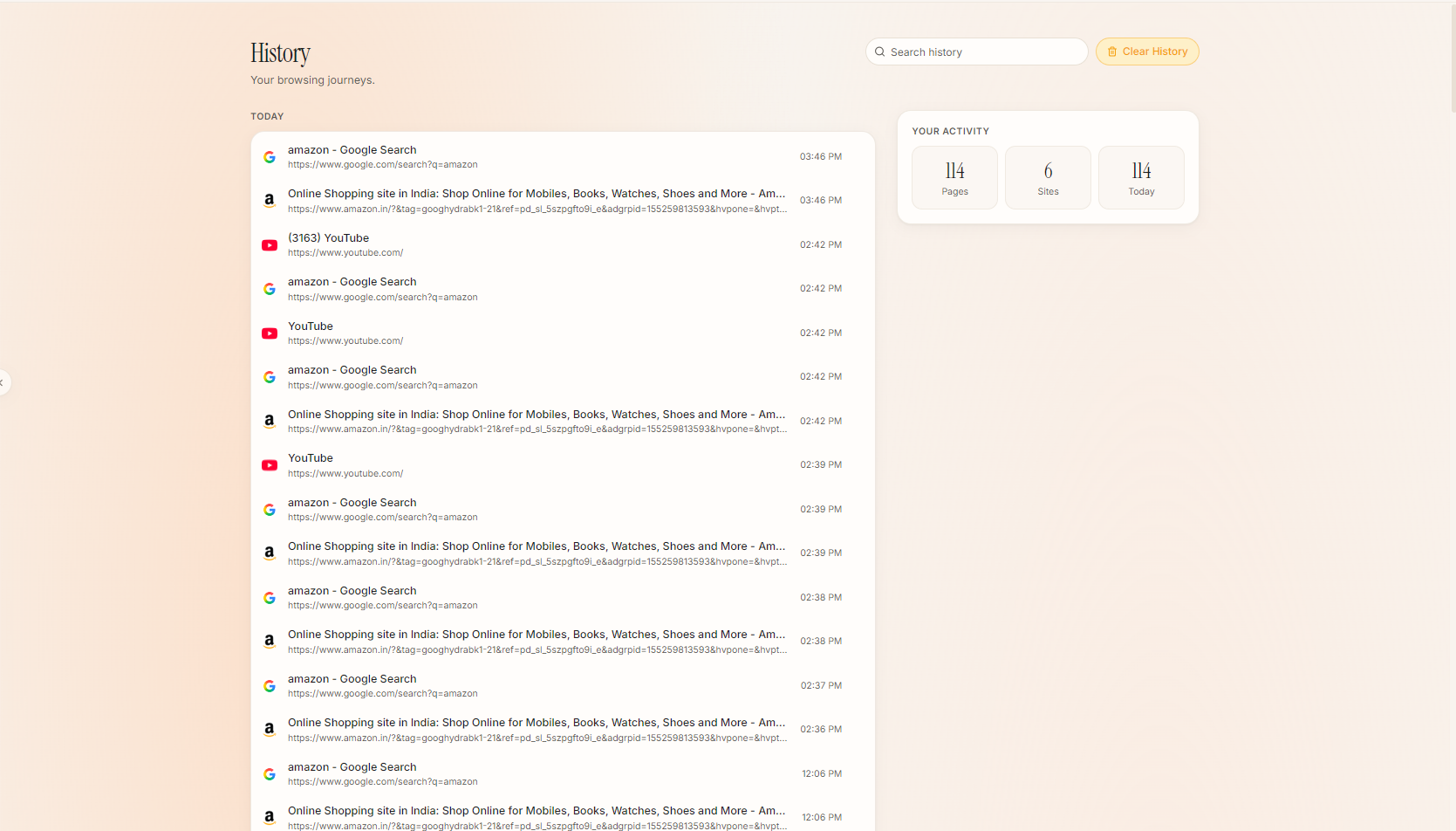
We stripped away the trackers, the cluttered bookmarks bar, and the stress of a hundred open tabs. Below is a detailed look at the core principles behind Vastra — with live, interactive demos of the interface.
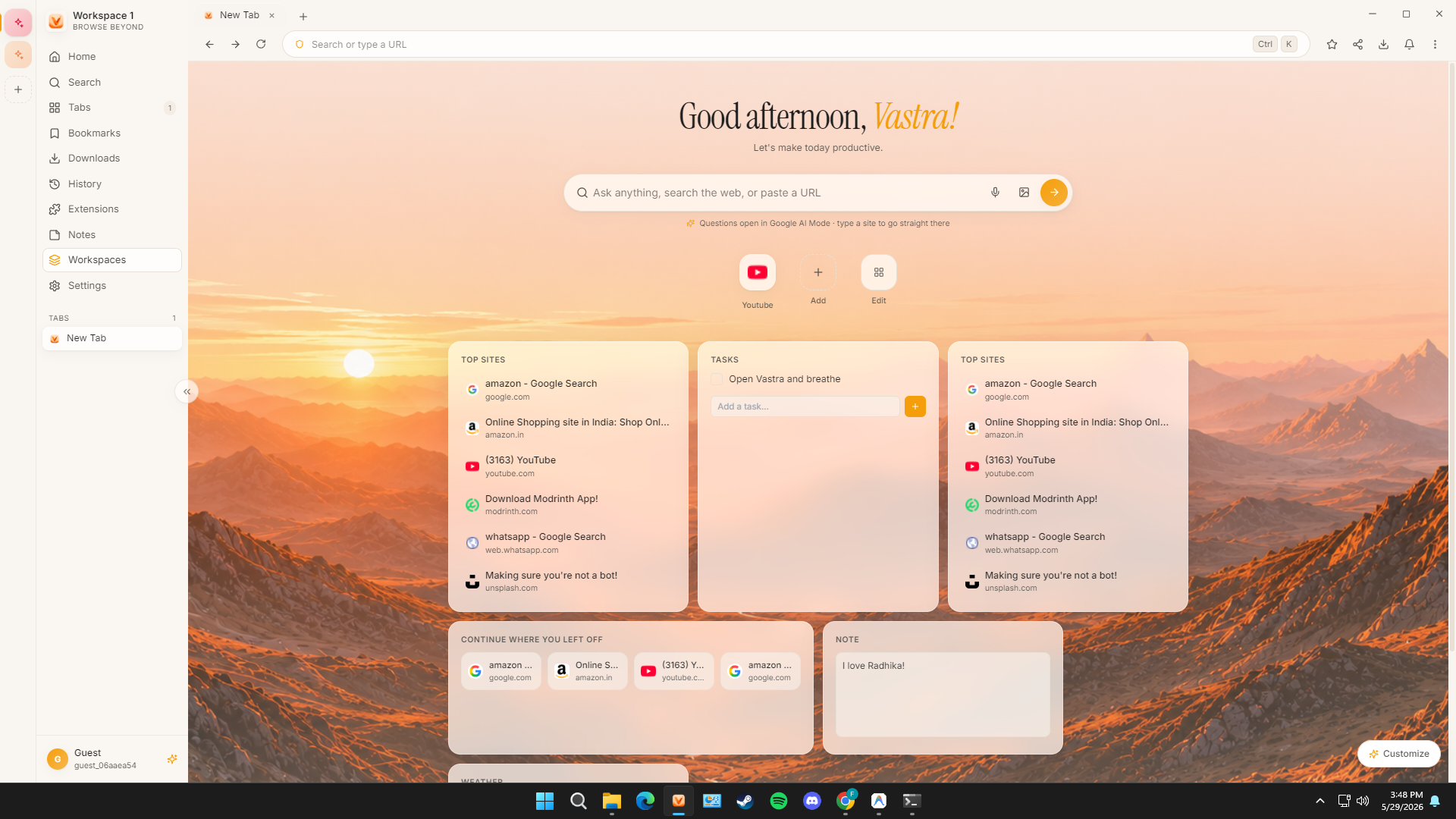
Separate tabs for work, study, and life — switch in a click, each with its own color.
Too many tabs create clutter in your mind. Vastra organizes your browsing into distinct Workspaces. Each workspace operates in its own sandboxed environment with customizable styling and automatic memory sleep for background tabs.
Active Workspace: Work (Rust Accent)
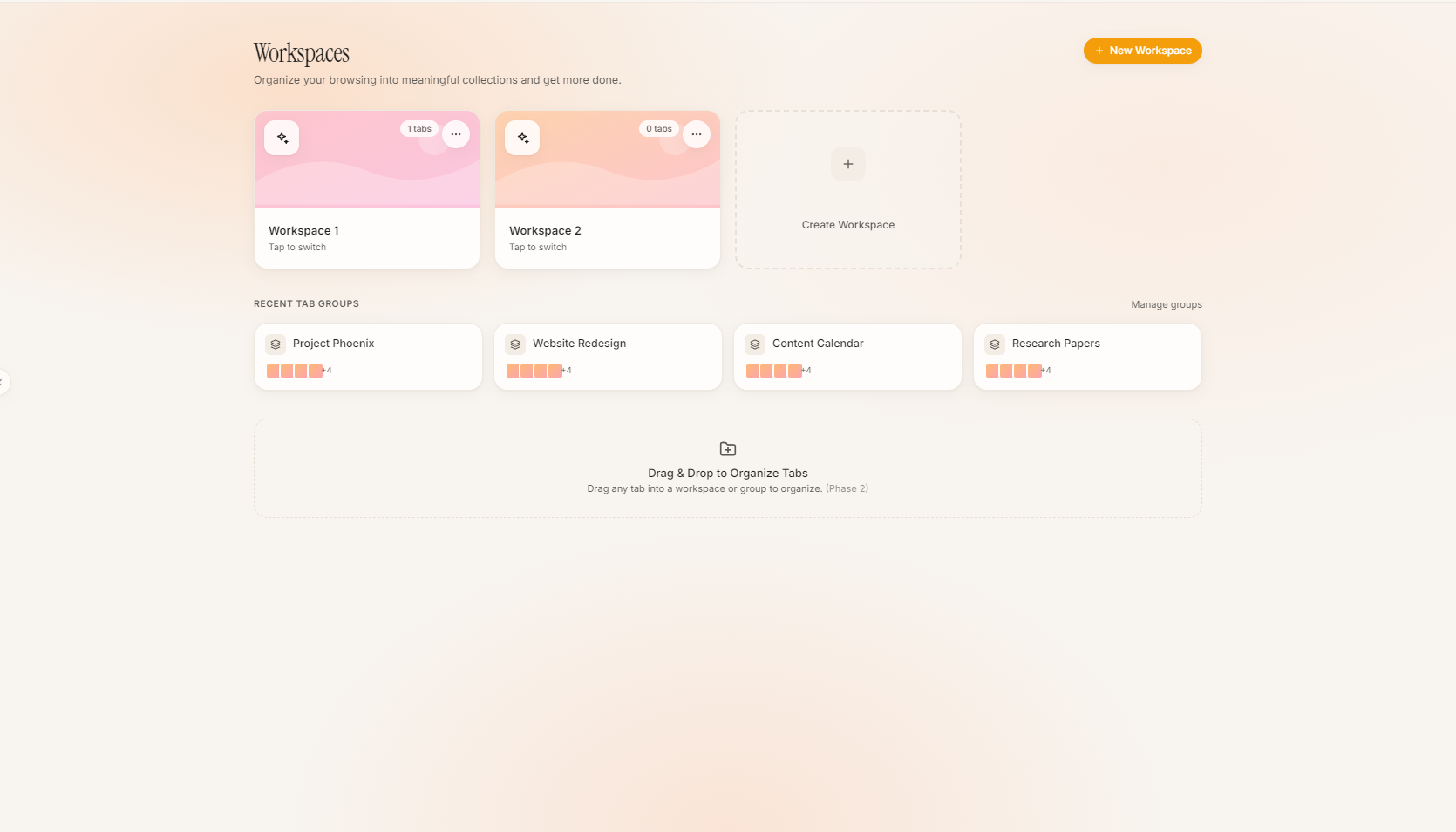
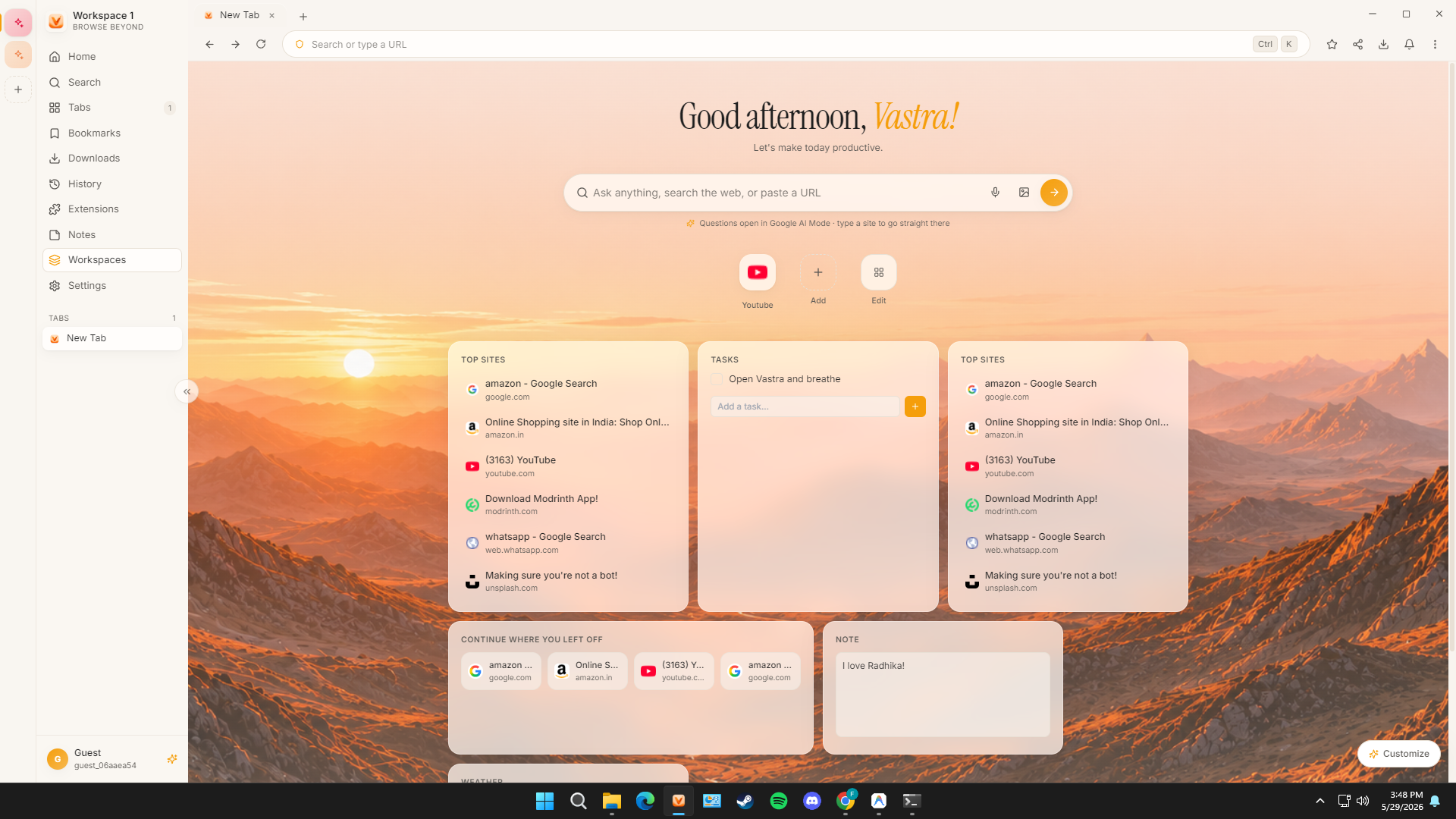
Build your dashboard: focus timer, tasks, weather, notes, crypto, and more.
Why install slow extensions that steal your data? Vastra features an integrated sidebar utility network. Access productivity tools, calculator, weather forecasts, and custom notes directly in your new tab.
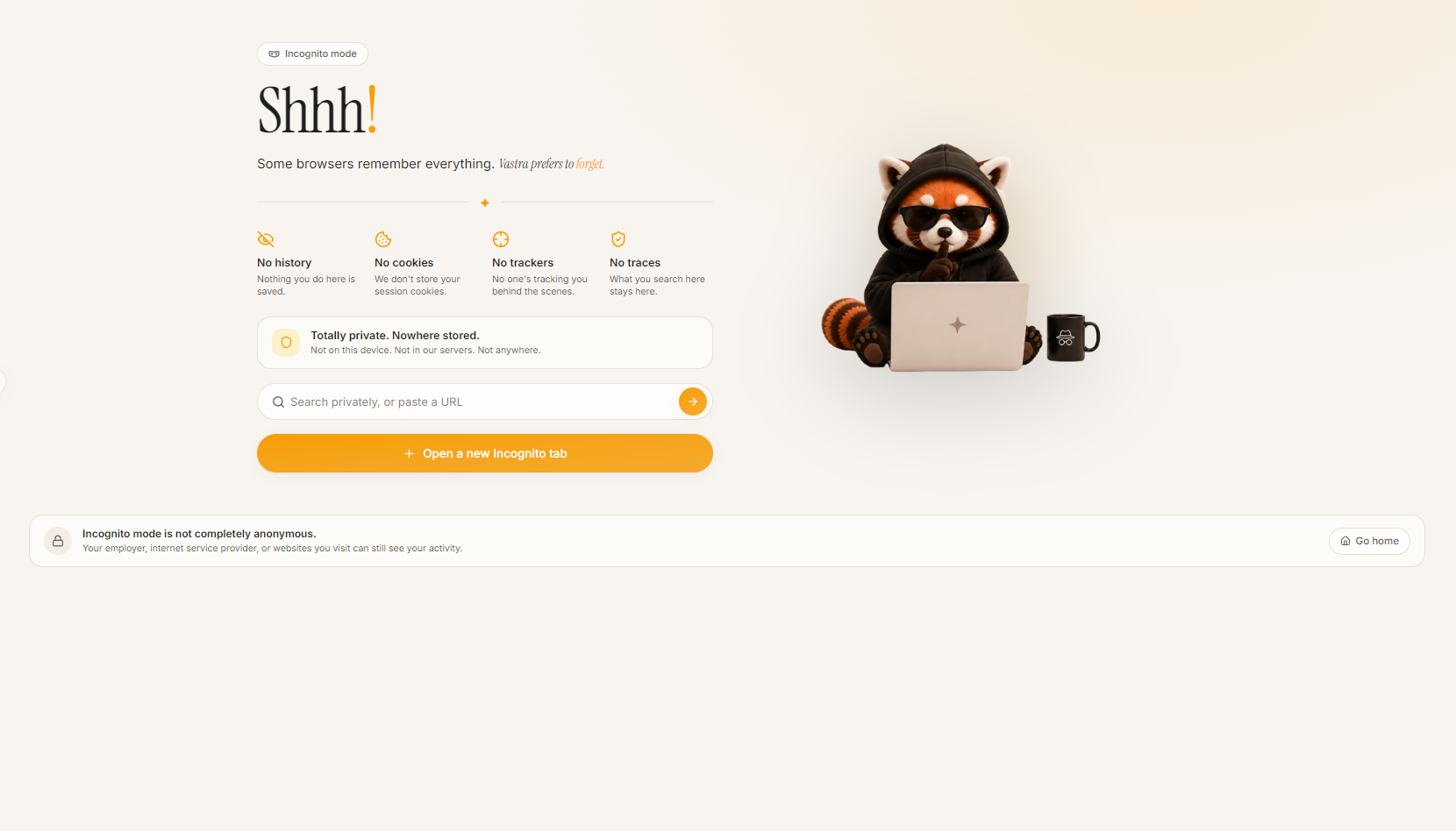
A private session that never touches disk. No history, cookies, or traces.
Other browsers write session files, cookies, and local database cache entries to your SSD even while in private mode. Vastra's True Incognito environment operates strictly inside isolated RAM sandboxes, leaving zero footprints on physical hardware.
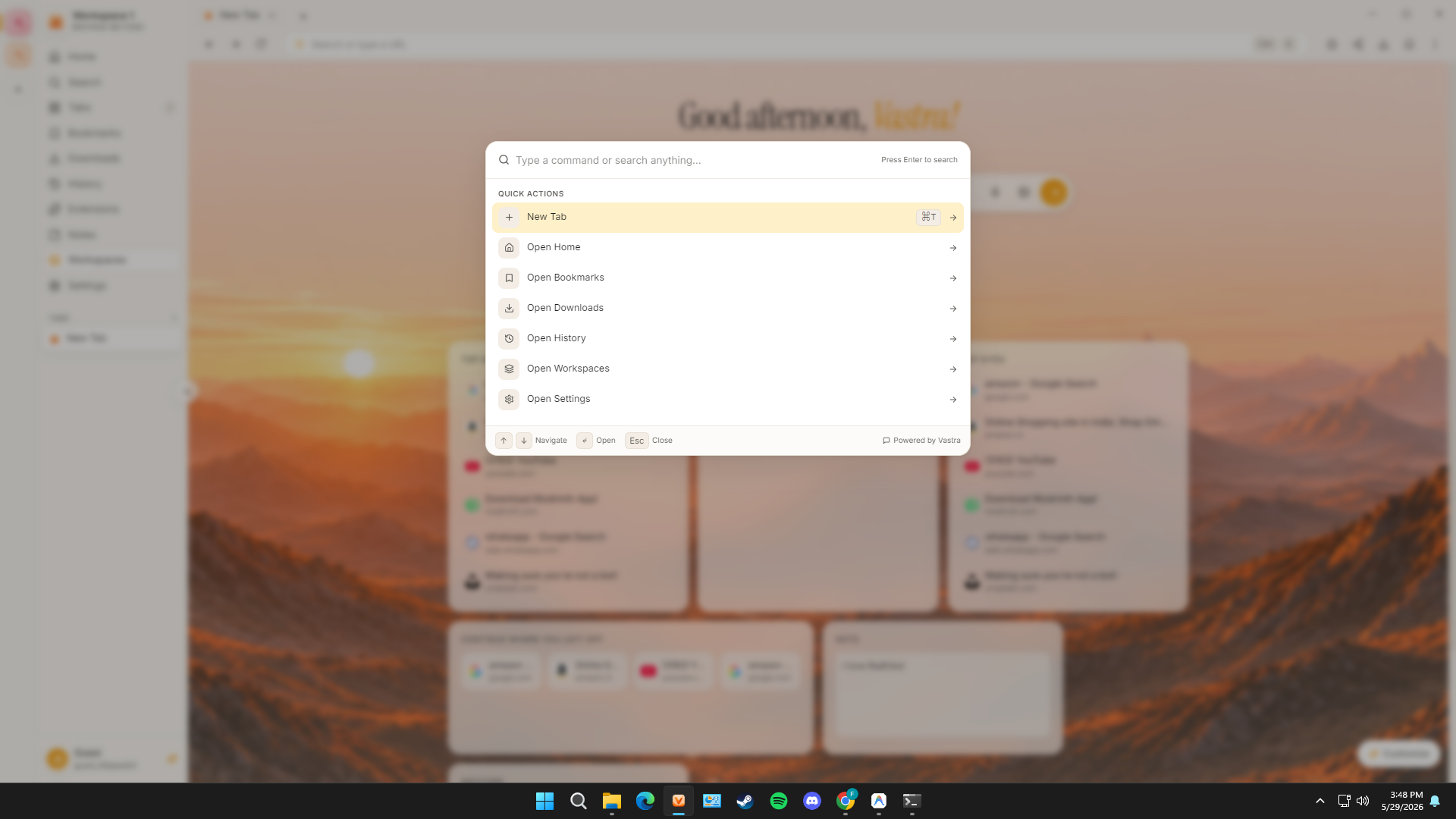
Command palette, full shortcut engine, find-in-page, and quick zoom.
For power users, keyboard command shortcuts are the fastest way to operate. Press Ctrl+K to pop open the command bar. Search tabs, navigate workspaces, trigger scripts, or adjust viewports instantly.
Or press Ctrl+K or ⌘K anywhere on this page!
Warm light theme, soft dark theme, live wallpapers, and tasteful motion.
Digital fatigue is real. Vastra features a curated color design language calibrated to warm daylight and relaxing dark themes, using CSS custom variables modeled after Vyoma Group's earth-toned palettes.
Change the visual aesthetic of this feature segment:
A soft background color reduces visual eye strain.
Your bookmarks, history, and settings stay on your device. Guest-first.
Vastra operates on a zero-server framework by default. We do not maintain syncing databases or capture your browsing history. Your personal preferences are safely encrypted using hardware security protocols on your local device.