 Vastra
Helix on every page
Summarise, explain, translate or compare your open tabs. Research mode reads the web and answers with sources. Works with Gemini, OpenAI, Claude, OpenRouter or Groq.
A private, fast browser built for one hand, with Helix on every page, Firefox add-ons, sites that install as apps, and checkout forms that fill themselves. Free, with no account.
 On your computer?
Scan with your phone’s camera to download there.
Every picture below is Vastra 1.0 running on a phone.

Type !yt, !w or !a before your words to search that site straight away.
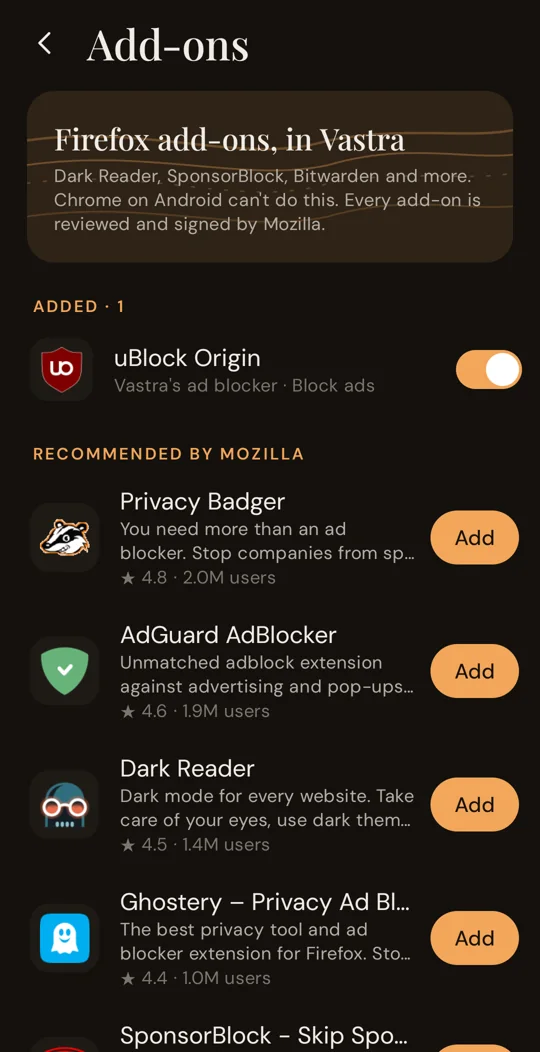
Dark Reader, SponsorBlock, Bitwarden and more, reviewed and signed by Mozilla.
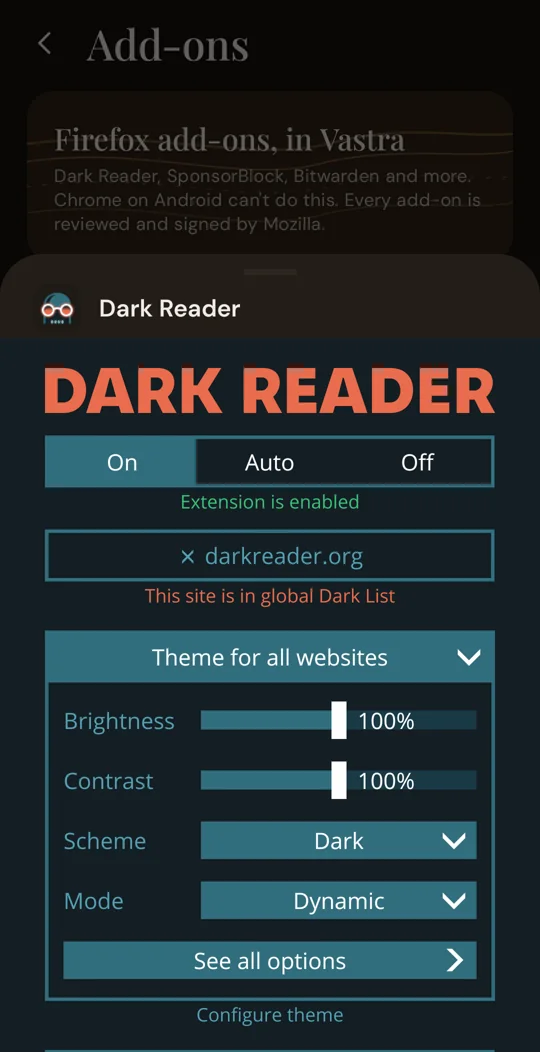
Each add-on’s own controls open from the menu, just like Firefox’s toolbar.
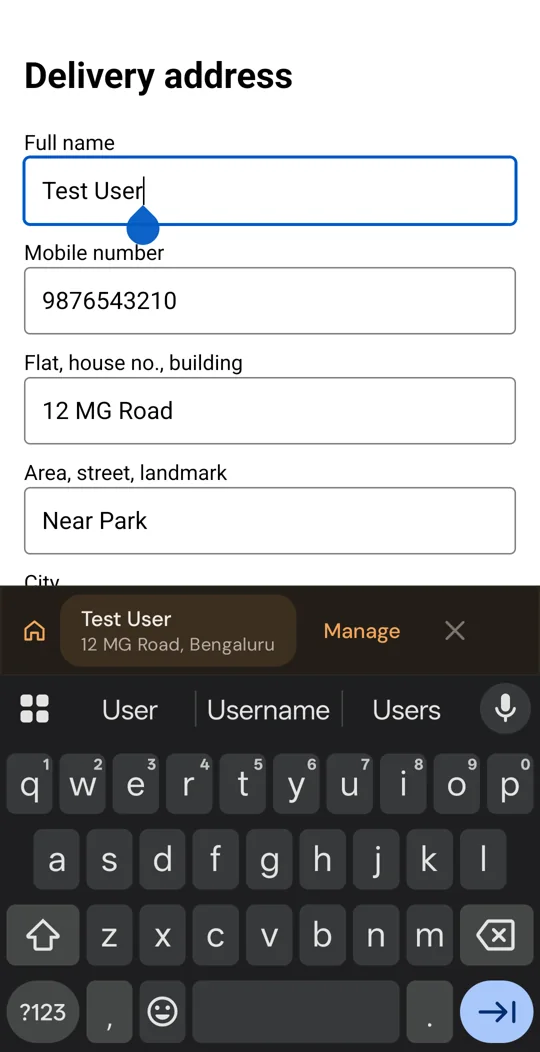
Saved addresses and cards appear above the keyboard. The CVV is never stored.
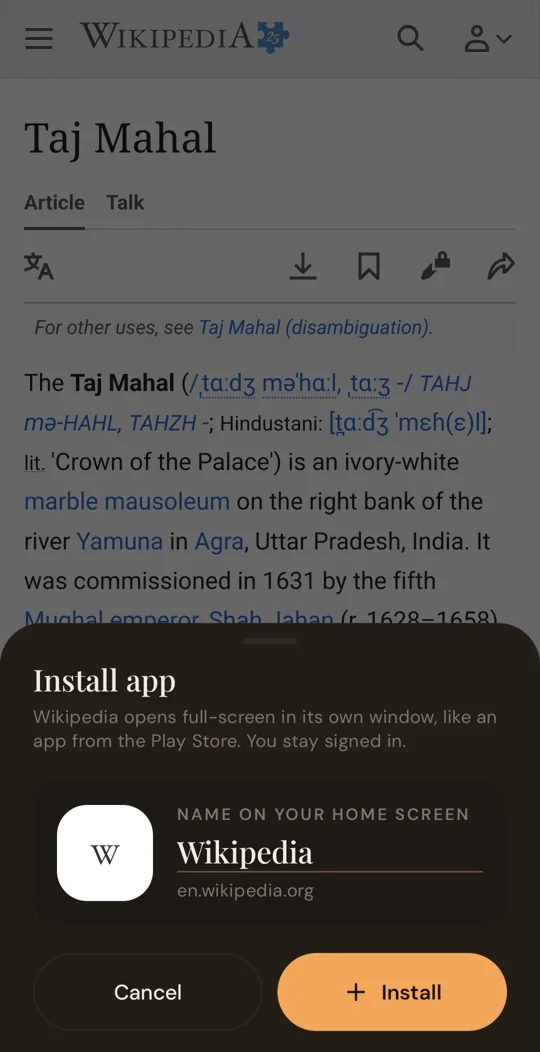
Put any site on your Home screen. It opens full-screen in its own window.
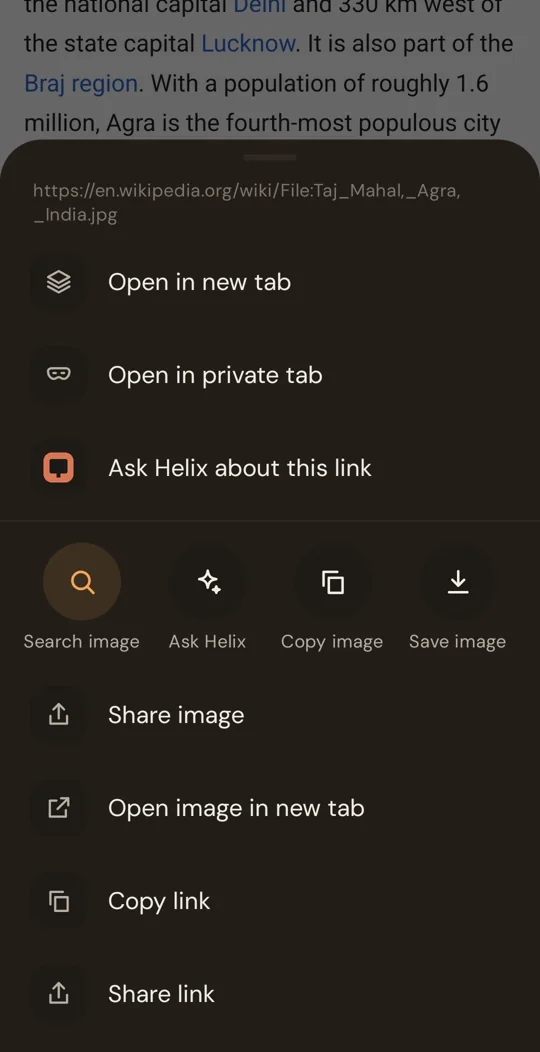
Hold any picture to search it, ask Helix about it, copy, save or share it.
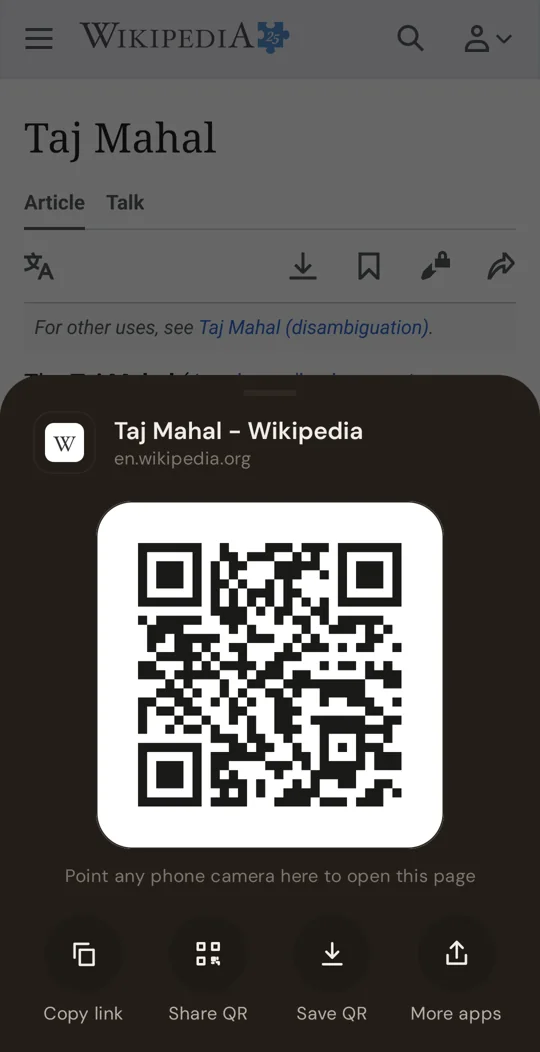
Any phone camera can open the page you’re on. Save or send the code too.
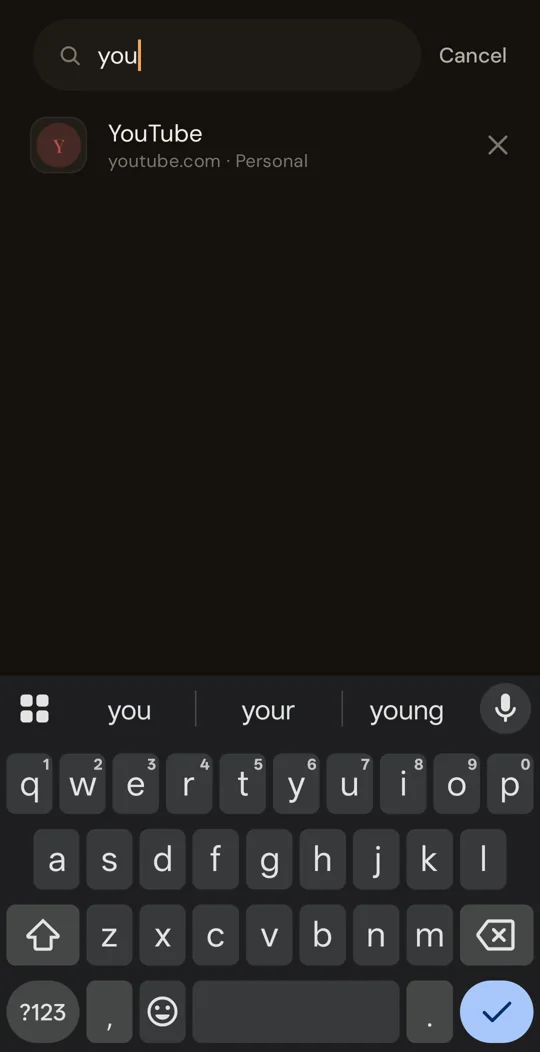
Find any open tab in a word, with recently closed tabs one tap away.
Built on Mozilla’s Gecko engine, the same one behind Firefox, so pages are fast and fully standard.
Summarise, explain, translate or compare your open tabs. Research mode reads the web and answers with sources. Works with Gemini, OpenAI, Claude, OpenRouter or Groq.
Install add-ons Chrome on Android can’t run, see exactly what each one asks for, and open their panels from the menu.
Instagram, X, Swiggy or any site, on your Home screen with its own icon, window and Recents card.
Passwords, addresses and cards filled in a tap, encrypted by your phone’s secure hardware and unlocked with your fingerprint.
uBlock Origin, strict tracking protection, HTTPS-only, secure DNS and cookie pop-ups declined for you. No Vastra account, no analytics.
Private tabs keep no history or cookies, can’t be screenshotted, and wait behind your fingerprint when you come back.
Your sites with real icons, jump back in, focus timer, tasks and news with pictures from trusted publishers.
Address bar at the bottom or top. Swipe it for tabs, pull to refresh, hold the Helix mark to summarise.
Workspaces, groups by drag and drop, tab search, recently closed, and quiet inactive tabs after two weeks.
Pause, resume, and carry on by themselves after the internet drops. PDFs and pages open right in Vastra.
Sites’ own dark themes, or every site dark. Text size for every site, reader mode with read aloud.
Import passwords and bookmarks from Chrome. Bookmark folders, export any time, and Google sign-in that every tab shares.
Vastra isn’t on Google Play yet, so Android asks you to confirm a couple of things the first time. Here is every screen you’ll see.
Tap Download for Android above (or scan the QR code from your computer). It’s about 93 MB, so Wi-Fi is best.
If your browser asks whether to keep the file, choose Download anyway. Then open it from the notification or your Downloads.
The first time, Android says your phone isn’t allowed to install unknown apps from this source. Tap Settings, switch on Allow from this source, then go back.
Google Play Protect may say it doesn’t recognise the app, because it isn’t on Play yet. Tap More details then Install anyway, or let it Scan app first.
Open Vastra and the welcome walks you through your name, the look (Paper or Night loom), your search engine and privacy. Everything can be changed later in Settings.
In Chrome on your computer, go to Password Manager → Settings → Export passwords, and export bookmarks from Bookmark manager → ⋮ → Export. Put the files on your phone, then in Vastra open Settings → Import from Chrome.
Helix uses your own AI key, so nothing goes through Vyoma Group. A free Gemini key from Google AI Studio takes a minute: open Settings → Helix & AI, tap Open Gemini and create a key, copy it and come back. Vastra spots the copied key and connects it for you.
You never need to come back to this page. When a new version is out, Vastra tells you, downloads it in the background and installs it in seconds.
Yes, when it comes from a source you trust. The APK on this page is signed by Vyoma Group, and Android only accepts updates signed with the same key. Play Protect’s warning just means it hasn’t seen the app on Play yet. You can check the file against the SHA-256 shown above.
Vastra for Android is new, and we want real people using it before Google Play. Everything works, but you may find rough edges. Tell us in Settings → About → Send feedback and the fix arrives as an automatic update.
Yes. When it does, you won’t need to reinstall: keep using this version and it keeps updating itself.
No. Vastra checks for updates on its own and installs them when you tap Restart to update. This page always has the latest version for new installs.
Not yet. Sending tabs between your phone and PC without an account is the next big thing we’re building.
Nothing about your browsing. History, bookmarks, passwords, cards and Helix chats stay on your phone. The privacy policy lists every request Vastra makes and why.
Helix is free in Vastra. It uses your own AI key; Gemini’s free tier is plenty for everyday use. Other providers charge by their own pricing.
Like any app: hold the Vastra icon and choose Uninstall, or go to Android Settings → Apps → Vastra. That removes everything Vastra stored on your phone.
Android comes first. An iPhone version is something we would love to build next.
Join the beta today. It updates itself from here on.